

For as long as I have been doing my work as a UX/Design Engineer, I’ve also been writing a lot of such articles over the years. Every single time, I would try to explain or justify why some of this tools are in my toolbox/workflow when honestly, they never needed any explanation to begin with. They’re just that good to use. That is the only reason why they are even on my list to consider.
Over the recent weekend, I had already delve into the absolute essentials that I would pack into my “pack” as an industry pioneer. I emphasized a lot on “being lean”, and that is still true even when it comes to the tools that I will keep in my toolbox 🧰.
This toolbox is highly personalized, but I should also say that this list comes with TWO DECADES of experience behind them, so they don’t really need any mansplaining or justification at this point. Look, this is not one of those, “you should follow me because I know what is best for you” type of bullshit. All I’m trying to do is share with you what is on MY LIST, and then you can go figure out what your list should look like. And hey, if you list ends up looking quite different from mine, that’s okay too. I’d say, “To each his own”.
Alright, that’s enough blabbering. Let’s just dive into my list here.
NOTE: None of what has been listed here in by any form of ranking or importance. They are all important to me.
Main UX/Design Engineering Workflow
1. Sketch App
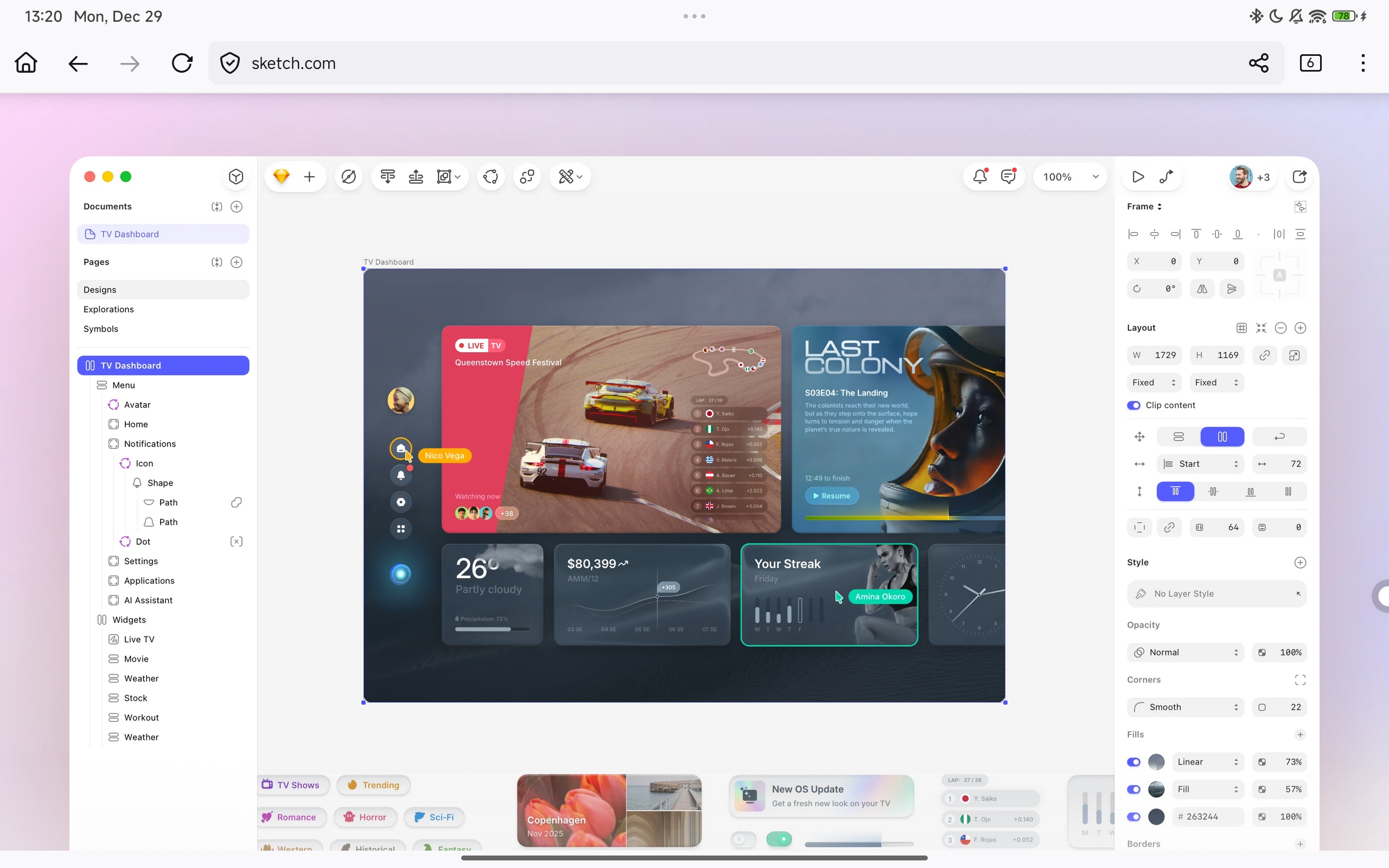
Right at the very heart of what I do as a UX/Design Engineer, I’ve found that I don’t have any need for Figma as a tool. Well, you will see it later that it is still on this list, but it is not included as part of my central workflow as a UX/Design Engineer. In fact, over the years, I’ve discovered that even a UI design tool like Sketch is more than enough for everything that I need (design-wise).
2. UXPin
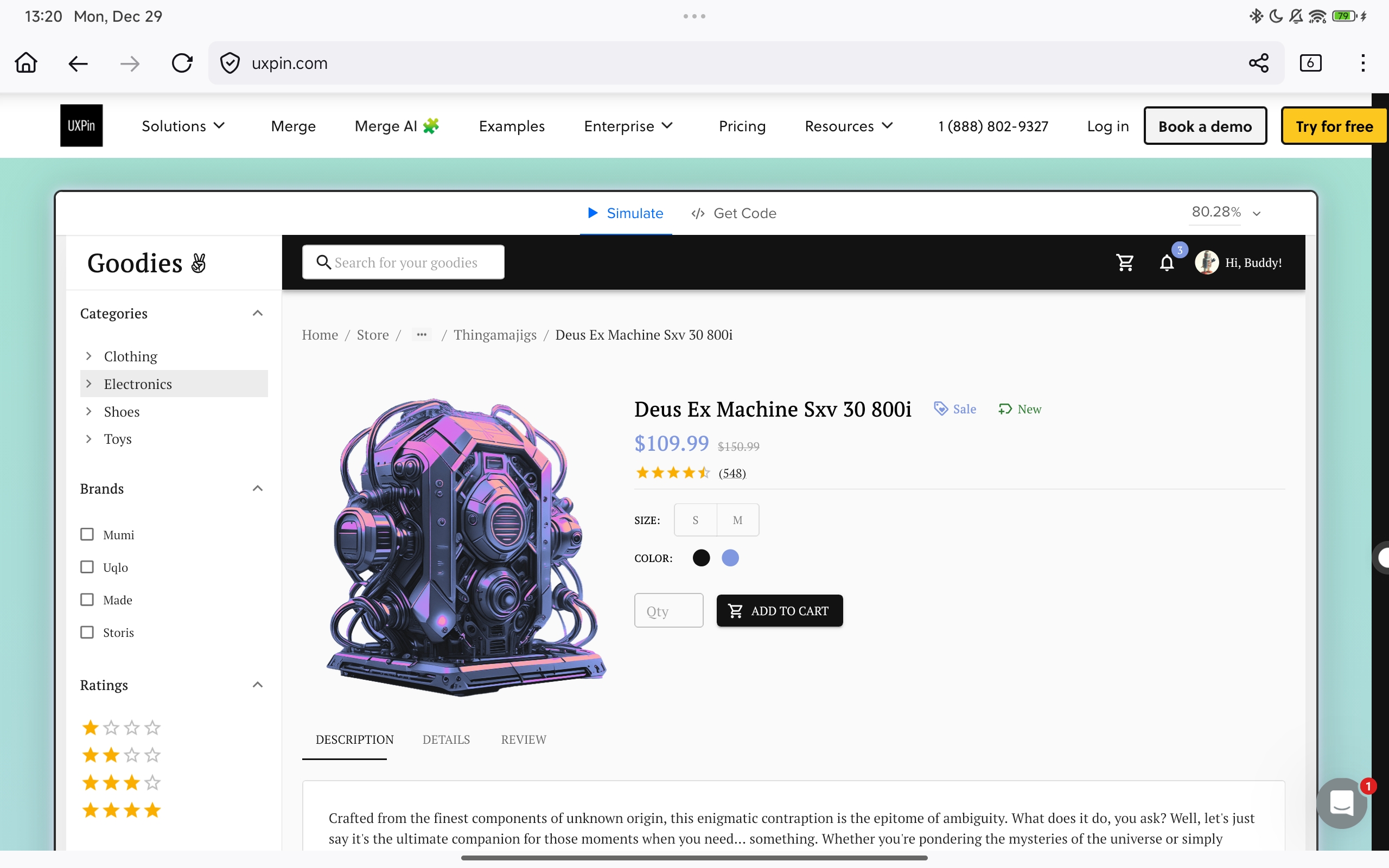
When I first started advocating for UXPin all those years ago, each year, I would feel like I have to constantly remind myself to repeat the same things that I have been saying for years. And in my mind, I would always be thinking to myself, “But UXPin is already so good, why do I have to keep explaining myself? They’ll understand it once they’ve used it like I have.”
But the truth is, I think like me, UXPin as a brand and product has always been far ahead of the curve. Long before we had Figma or any of the other design prototyping tools on the market, we had UXPin. Over time, it became clear to me that UXPin was really designed with an engineer in mind. See, if Figma is designer-centric (which it is), then UXPin is definitely an engineer-centric UX prototyping tool. What that means is that they provide a different angle and perspective into the world/work of UX design. It’s why I will never ever stop supporting UXPin.
Without UXPin, my entire workflow collapses. Using UXPin as part of my workflow is non-negotiable.
3. JetBrains
Finally, at the end of my UX/Design Engineering workflow, I have the tools from JetBrains to thank. While there have been a great many different IDEs over the past two decades, none have really came close to what JetBrains has managed to accomplish. During my most active years, I was using more than half of their tools at one point in time (across different consulting projects and with multiple clients and teams). After spending almost 20 years of using and supporting their tools, why is it even a surprise that they are now considered an essential part of my own personal workflow.
Sure, it’s not like I can’t use VS Code (don’t worry, it is on my list, down below 👇). But if you ask me, just like a top chef is willing to invest lots of money into their priced knives, for me, that premium tool/toolkit is JetBrains. Non-negotiable.
AI Partners
4. Claude AI

And yes, it is time for us to talk about our AI tools. With all the different available options today like ChatGPT, Gemini Pro and more, the one platform that has drawn me back constantly is Claude AI. I had been using Claude AI for about 6 months (intensively) before finally deciding that it would be worth it for me to invest in it’s monthly subscriptions.
In today’s design/engineering work, we can’t run away from AI because running away from it would only put us at a disadvantage. I have seen how, when we do not become overreliant on AI, but instead know how to make the best of it within our workflows, it will help to accelerate what we can do in ways that was never possible just a few years ago. So yes, Claude AI is in my toolbox for 2026 and beyond.
Brand Partnerships
5. Progress Telerik

I’m included Progress Telerik into this list, not just because of our long-standing support and partnership with the company. Yes, in 2 days (on Dec 31, 2025), we will be celebrating our official 20 year relationship with this brand. It’s not because we started partnering 20 years ago. It was because discovering Telerik’s UI components also marked the very beginning of our journey as a UX/Design Engineer.
I’m keeping them inside my toolbox because they are still one of the best ways for me to illustrate and write about certain UX/Design Engineering concepts. When it comes to technical writing, Telerik’s UI components have always been at the very center of my content for years. So, why stop now, right? Every time that I have a lesson to share, these UI components become my actors.
6. GitKraken
So, if you have been writing code for a long time, then you’d definitely remember the days when there were no proper GUI tools for performing your code versioning. And man, I still remember what a hassle they can be. But that is actually not the real reason why I fell in love with GitKraken during their early days. I fell in love with the tool because they understood what every developer really needed in a GUI tool for managing their git projects, be it as an individual, or as part of a team.
I always like to describe GitKraken as one of those silent tools that we don’t often chat about over coffee breaks, but they are always ever present in our workflows. They might not be the star of the show, but we damn sure can’t live without them either.
Referral Link (Enjoy 50% off)
Collaborations & Research
7. Figma
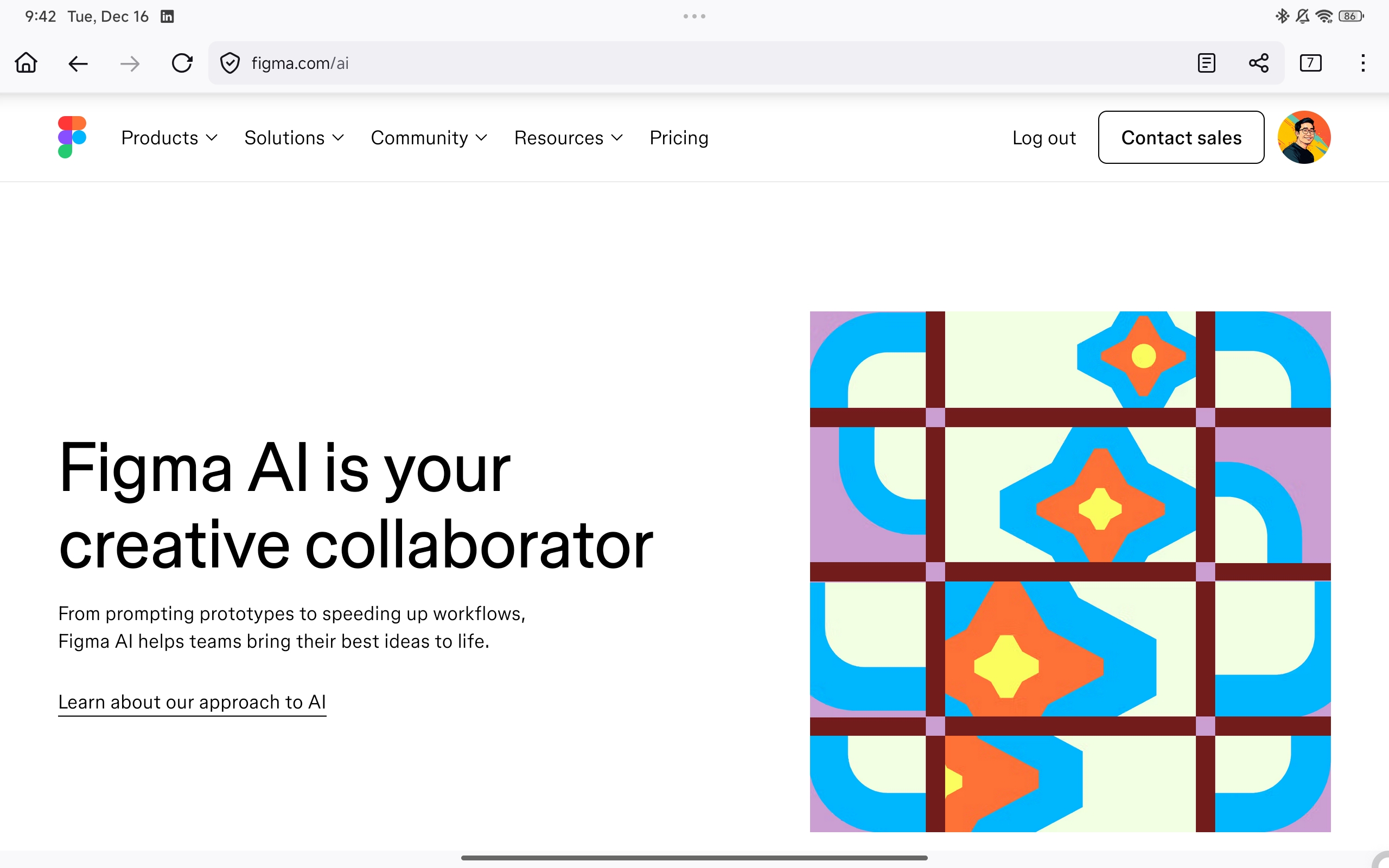
When it comes to my workflow as a professional UX/Design Engineering, there is one tool that you won’t always find me using all the time. Maybe lesser than you might expect, but it is there still. And that tool is Figma. As I have eluded to above, Figma, in my professional opinion is still a very designer-centric tool (in spite of it’s constantly efforts to make their tool a bit more accessible for engineers and devs). Personally, if I could have a say in their product direction, I would advice them to ditch the whole dev/engineer workflow, and focus more strongly on their design-centric features. They have always been stronger in that area for a reason.
Anyway, I’m choosing to keep Figma in my toolbox because let’s face it, the world doesn’t run on best recommended tools. They just run on whatever is most popular or in trend at that time. And when it comes to UX design, Figma happens to be the most popular and in-demand designer-centric UX tool right now. That is just the way that it is. There’s no running from it now.
So, keeping it here on this list means I will be using it for most team collaboration purposes. That is when a client’s company already has their own designers and then they want to handover their work to me, and then I need a way to interface with their work, so that is what Figma is there for. Not because I actually want to use it on a personal workflow level.
On another note, with the current rise of design, AI and engineering, having Figma in my toolbox is also a way for me to continue leading the charge when it comes to conducting my own professional research and understanding into how those THREE areas would intersect.
Native Development
8. Xcode & Apple Developer Program

One of the very first things I would actually invest in the moment I can get my hands on a refurbished M4 Max MacBook Pro, is to set up and download the Xcode IDE as well as subscribing to the Apple Developer Program. See, I am not just a designer, but I am also not just a developer like how you might expect. The work that I do, is always somewhere in between the two. For me, my design work is never truly considered complete unless I have a way to actually test my design (yes, in an actual app). But I am also not afraid to say that I’m not interested in becoming another full stack developer. Man, there are so many full stack developers out there, just throw a rock and pick one.
No, I’m investing in this tool and subscription because I want to be able to design and engineer for mobile projects again. It’s been a number of years. I’m a little bit rusty on the front, but I can’t wait to dive back into it once I have that chance.
Backup Editor
9. VS Code
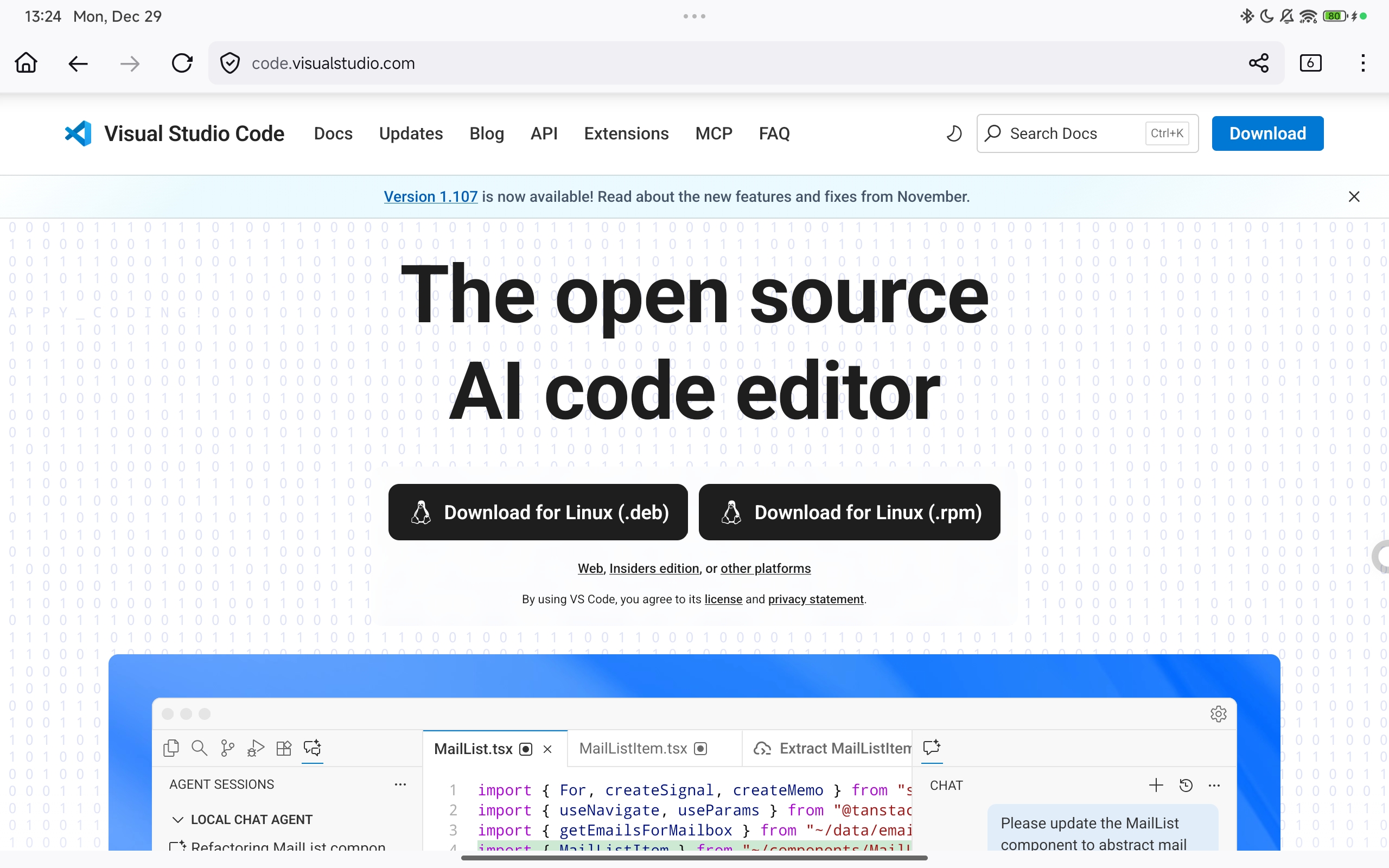
Okay, finally, we have our VS Code. The all-in-one editor that can do so much. But yet, at the end of the day, it really is just an editor. Sure, it’s lightweight, and maybe you might debate that it fits the whole “lean” persona/mission that I’m going for. Well, why do you think I want it on my list. See, given a choice, I would always prefer working with a proper, premium IDE like Rider or WebStorm. But if for some unfortunate reason those IDEs are down, if there is some other issue preventing me from using them, then I will always have VS Code as my backup editor. Don’t get me wrong, I really do enjoy and appreciate using VS Code. I have for many years. And like I said at the top, it’s still just an editor.
Documentation & Technical Writing
10. TechSmith Camtasia & Snagit
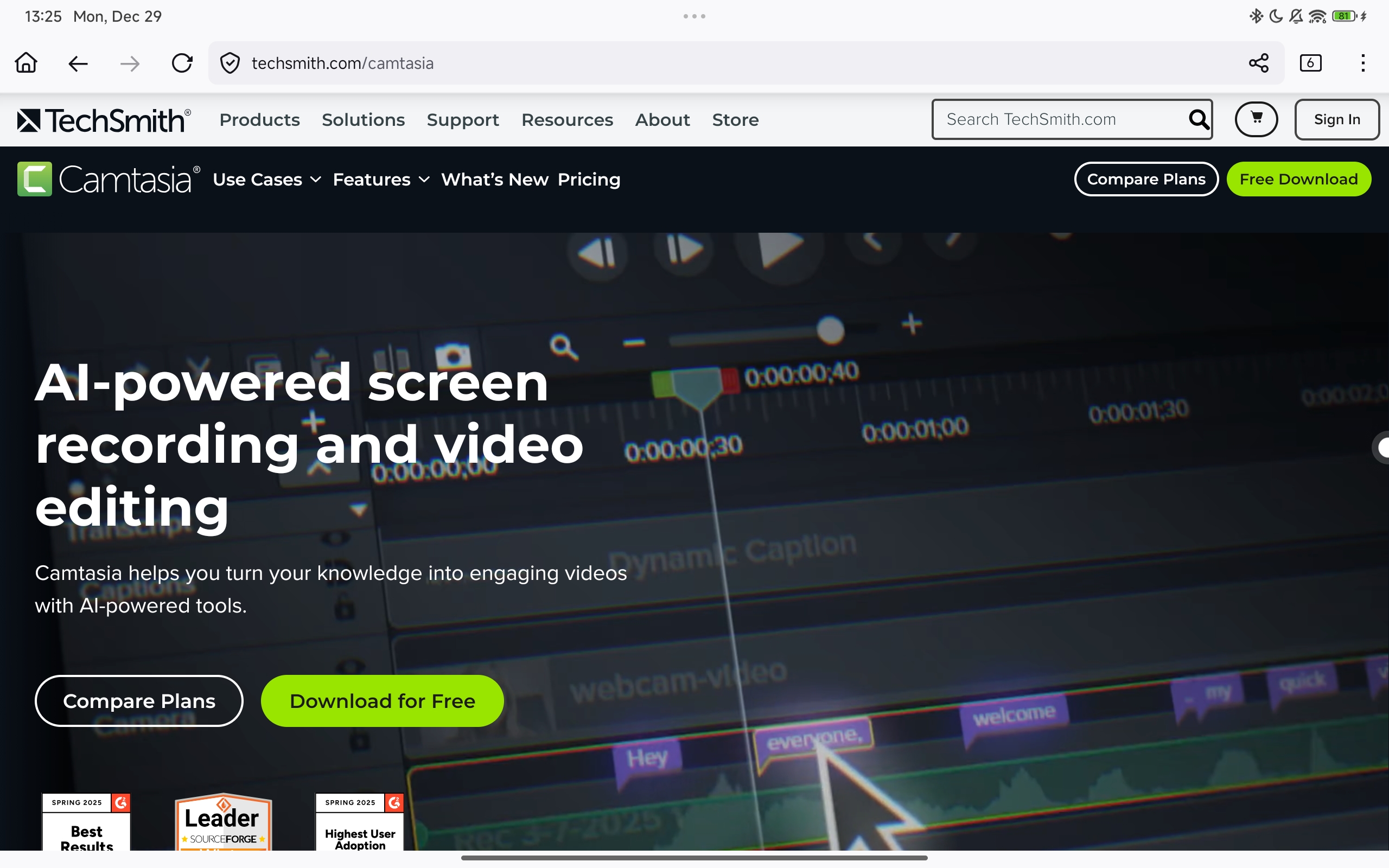
Wow! It is almost incredible to imagine that I’ve been using TechSmith’s Camtasia as a screen recording tool for the longest time. Even longer than Telerik’s UI Components. Our history really goes all the way back to 2003, back when I was still in my final year of Polytechnic studies. One of the things I’ve always liked to talk about is how I got featured as a technical writer for four years straight (at one time). But the one thing I’ve always failed to mention before is that right at the very center of all those featured contents was TechSmith’s Camtasia and later on Snagit as well.
As we begin to step into 2026 and beyond, I am foreseeing a lot of opportunities to document my workflows, processes, and even produce recordings and screen captures for future design/engineering-related technical articles. And honestly, I would not pick any other brand to work with than TechSmith. I only trust TechSmith.
Other Recommended Tools
Google One

And to cap off my list for today, I wanted to inject a bonus tool to the list. Now, when it comes to cloud solutions, there are so many different options available. Honestly, the whole reason I’m adding it to the bonus section is because I am a strong proponent of having backups for my backups for my backups. Yes. I am paranoid that way. After my experience of losing everything back in 2018, I’ve learned a very painful but important lesson, don’t ever underestimate the value of having a cloud storage. These days, cloud storage options are very affordable (unlike a decade ago). And yes, I do regularly backup everything now. Well, I try my best to be religious about it. You never know right??? 😂
Gemini Pro (My Occasional AI Therapist)
There is actually one other reason I might include the Gemini AI in my subscription. And that is to have access to Gemini Pro, which I have been using on occasion. See, when you are a lonely industry pioneer, exploring the vastness of the “digital frontier” alone, it’s nice to be able to have an AI companion to talk to. So yes, I do use Gemini Pro as a personalized AI therapist. At least that way, it keeps me from actually going insane. 😅
Well, that’s it for my list of ultimate tools in my toolbox. What will be in your toolbox for 2026?
 Danny's
Leave a comment