Hey to my fellow readers! If have stumbled across this article over this Christmas season, allow me to first wish you a Merry Christmas! And if you are reading this over the New Year period, then I’ll wish you a Happy New Year!
With that out of the way, let’s get into the article and the main reason why I decided to publish this article. As we look to the new year, I could imagine that there’s a pretty good chance, you are either a fresh graduate looking to step into the field of UX, or you are someone looking to make a mid-career switch, and finally, you could also be someone that already has a few years of working experience in the field, but are seeking to enhance your skills even further.
As we begin a brand new year, I want to invest this time to share FIVE critical skills that I believe new/young UX professionals will need to have in 2023.
- Basic UI Design Skills (Sketch App or Lunacy)
- User & Product Research
- Wireframing and Prototyping (Figma, UXPin, etc)
- Information Architecture
- Visual Communication Concepts
Before we dive into those skills, I do want to emphasize that this list here isn’t the most elaborative list of skills, and it wasn’t meant to be in-depth; I may in the near future, decide to touch on the different topics and areas separately and in greater detail, so stay tuned for that.
So, let’s dive right in.
Basic UI Design (Sketch or Lunacy)
While it might be commonly debated among the community that it’s not really necessary for UX designers to know or understand UI design, in my years of practicing UX and being a certified thought leader now, I can attest to the usefulness of having a good foundational understanding of how to design a UI.
While this might not be considered a “Core” skillset by some when it comes to being a UX designer, in a practical environment, it is actually much more useful than you might think.
When a UX designer has a good grasp and understanding of UI design, it also enables them to become more effective UX designers. This is made more clear when we investigate what happens between the UX-UI design phases. By being equipped with UI design skills, a UX professional is then able to make the life/work of a UI designer easier, hence saving more time and energy (which essentially translates into money). Simply put, there’s going to be less “ding-dong” going on back and forth between the UX designer and the UI design team (if the work environment has that clear separation).
Part of developing a good understanding on UI design is by understanding the UI design guidelines. While it’s nearly impossible for most folks to memorize everything in the iOS UI design guidelines, or the Material Design guidelines, it is something that UI designers should regularly refer to when working on certain designs.
From the perspective of a UX designer, having a good understanding of those guidelines will also aid in creating wireframes and prototypes that gel perfectly with those guidelines.
Sketch App (MacOS)
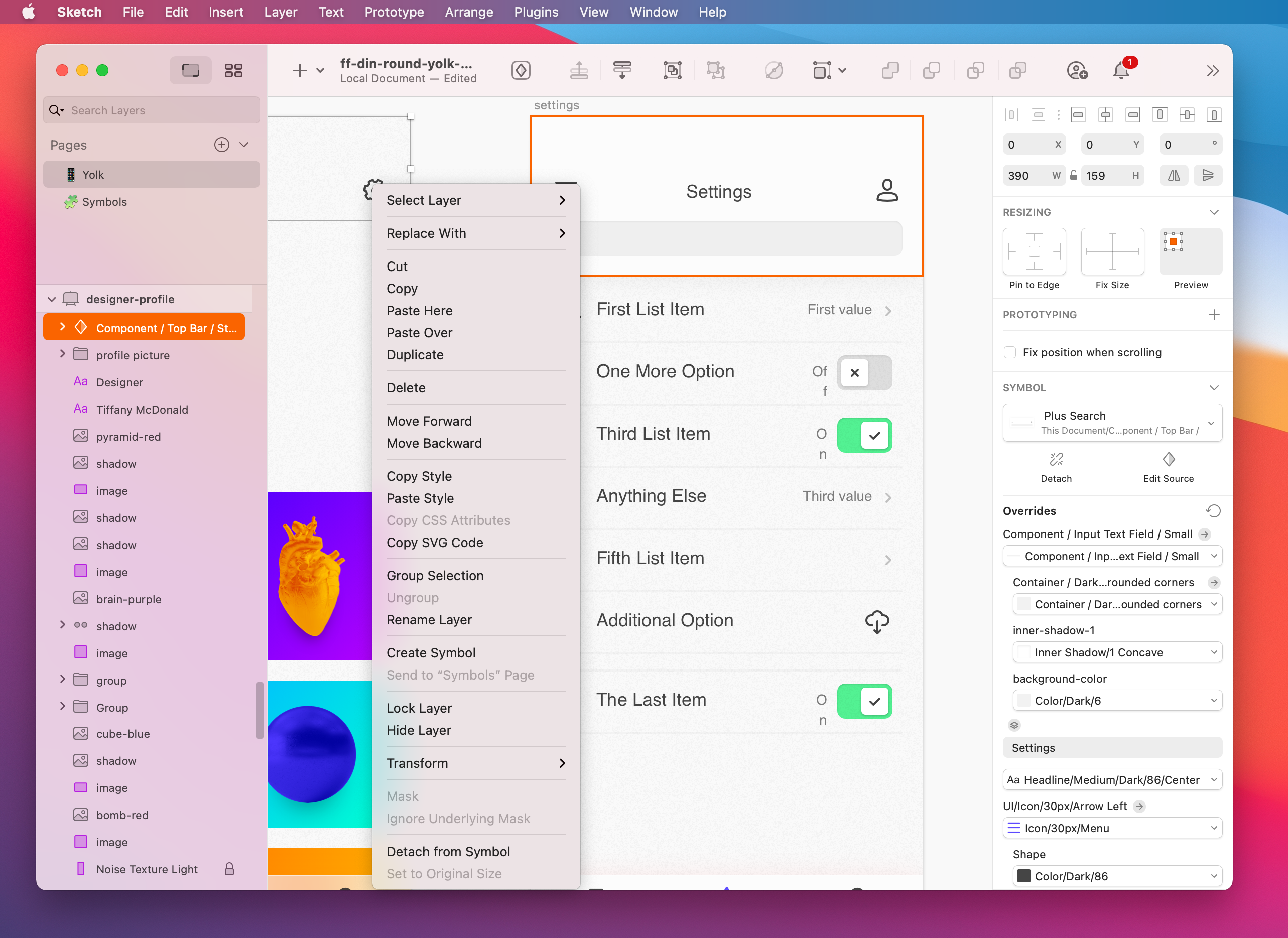
When it comes to UI design, I’m only going to highlight TWO apps that I would normally use. In fact, if these two apps were not developed by two separate companies, I would say that they were the exact same thing and they each cater to a different operating system.
Yeap, the first one is the Sketch App. As a UX designer that also does plenty of UI designing from time-to-time, the Sketch App is by far one of the most indispensable tools that I would use. In fact, I grew so accustomed to using Sketch that at one point in time, I decided to totally ditch using Photoshop altogether.
Adobe Photoshop has long been the industry-standard for many graphic and web designers in the trade. But if you were to closely inspect the functionalities and features of Adobe Photoshop, it really wasn’t engineered with UI design in mind. Not really. So that is why, once I started understanding how useful Sketch App was/is, I knew right away that it was the perfect tool for UI designers.
Lunacy by Icons8 (Windows)
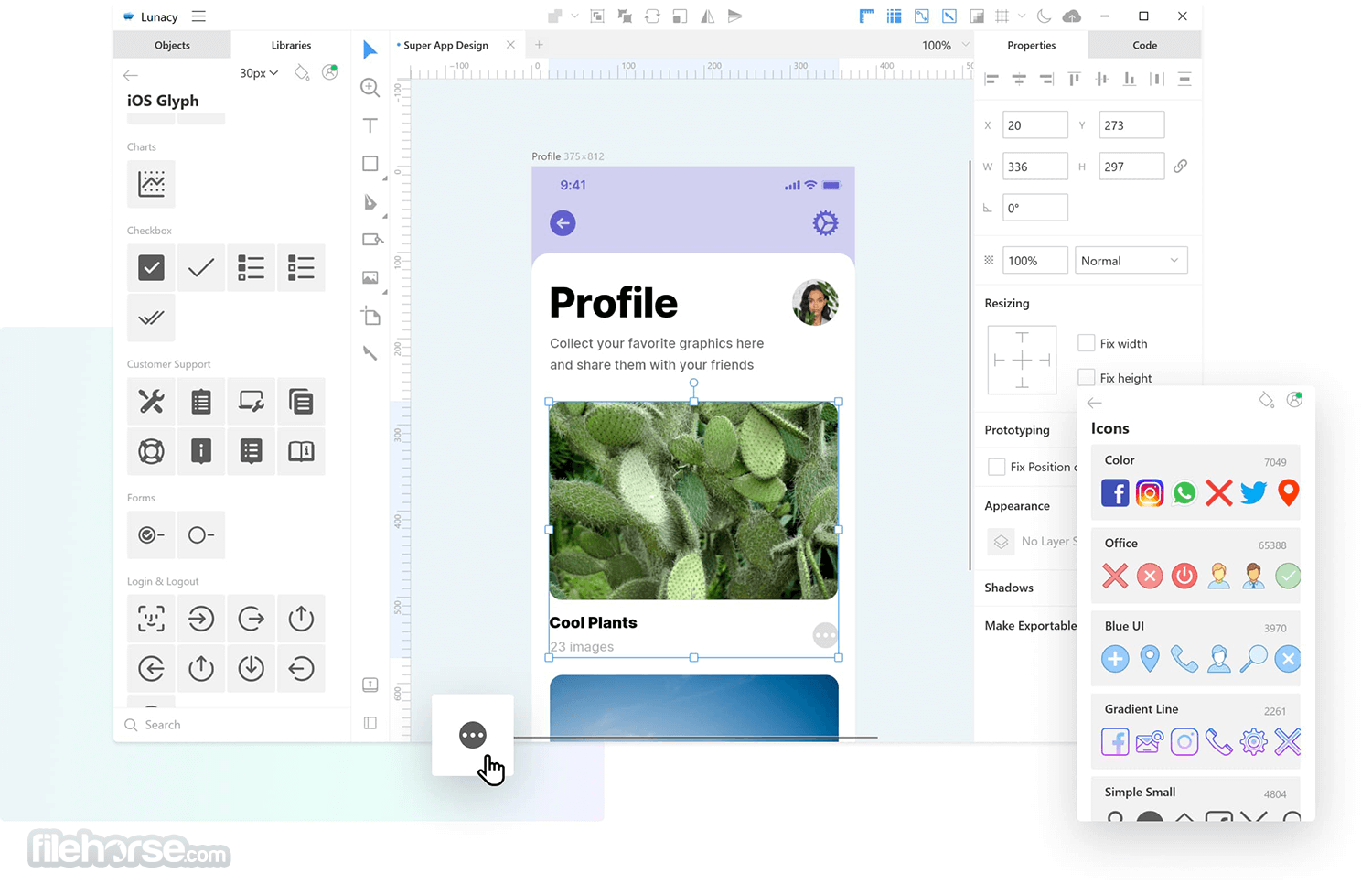
But what if you do not have access to a mac environment? As a UX practitioner and content creator for years, I had been using a MacBook Pro for my needs because there were some design-related tools that just ran better on the macOS. On top of that, it also provided me with a cross-platform design/development environment.
But in late-2018, my MacBook Pro died on me. For the first time in a really long time, I felt really lost without it. At that time, I was still in the midst of pursuing my passions and trying to figure out my direction ahead, so I didn’t have the financial stability or means to purchase a replacement. Till today, I still haven’t managed to secure/invest in a MacBook Pro. It’s one of my “bonus” goals for 2023. With enough gigs and earnings, I aim to set aside some of those funds to invest in a brand new MacBook Pro 16″ again. That is not a matter of “if” it will happen, just when it will happen.
Anyway, if you are running a Windows environment, I would highly recommend that you download Lunacy by Icons8. I have been using Lunacy for more than a year now, and I am absolutely loving it! It has such a close resemblance to the original Sketch App, I sometimes forgot that I’m using an app from a different company. There are some differences though, but I won’t be highlighting them in my article today.
I’ll go more in-depth in both the Sketch App and Lunacy in future articles.
User & Product Research
Moving on, I want to talk about the 2nd most essential skill that any budding UX professional should have. And that is user & product research. Whether your project is to create an app or to design a physical tech product, one of the very first activities you have to conduct will likely be a user and/or product research.
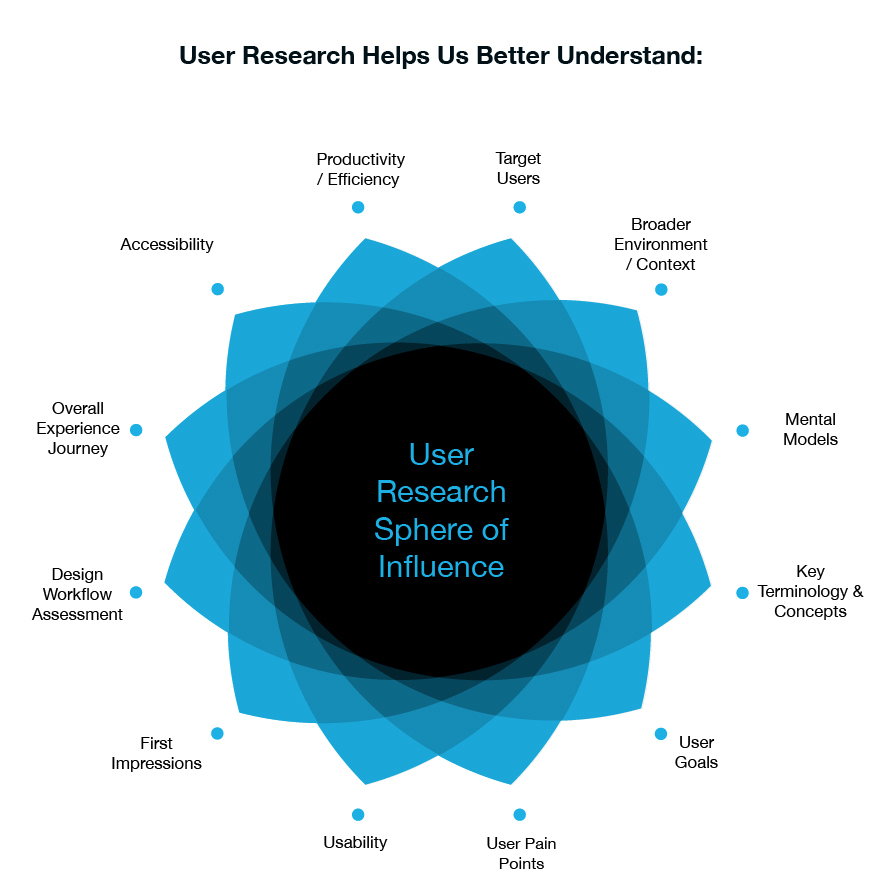
As illustrated in the above diagram, the goal of conducting those research is to enable you and your team to better understand the end user’s needs, pain points, and how your product might differentiate itself from your competitors (if it is not a novel product or idea).
Some of the best UX designers and professionals know that an effective user & product research would yield results that would shape their final designs. If the research isn’t carried out effectively, it can have the opposite effect, i.e., resulting in more round-trip discussions and design changes at a later stage of the project.
I often like to think about UX/UI design as a series of iterations (I am, after all, an Agile-UX thought leader). So using that context, it’s easier to picture that by conducting a good and effective research, the project would result in having fewer iterations, thus saving more time and money, and vice versa).
In my years as a thought leader, speaking to other UX professionals from the international community, I’ve gathered that many companies/teams still don’t put enough time and effort into this stage of the UX design phase. They tend to see the other areas as more crucial and important, and so they tend to justify spending more time and energy on them. But I disagree. My hope is to see more teams realizing this importance and then shifting their mindsets to include user & product research in their cost/effort considerations.
Wireframing & Prototyping (Figma, UXPin, etc)
The work of a UX designer/engineer involves quite a number of different things. But if you were to speak to another professional that is on the outside looking in, they would often associate the role of a UX professional with creating wireframes and prototypes (clearly, we already know it’s more than just that).
So let’s talk about wireframing and prototypes.
While there may be a number of other wireframing and prototyping tools available on the market today, I won’t be touching on all of them in this article. It’s more likely that I will create a separate article in the future dedicated to exploring those options. But in this article, however, I just want to touch on TWO that I think will be the most popular and in-demand in 2023.
Figma
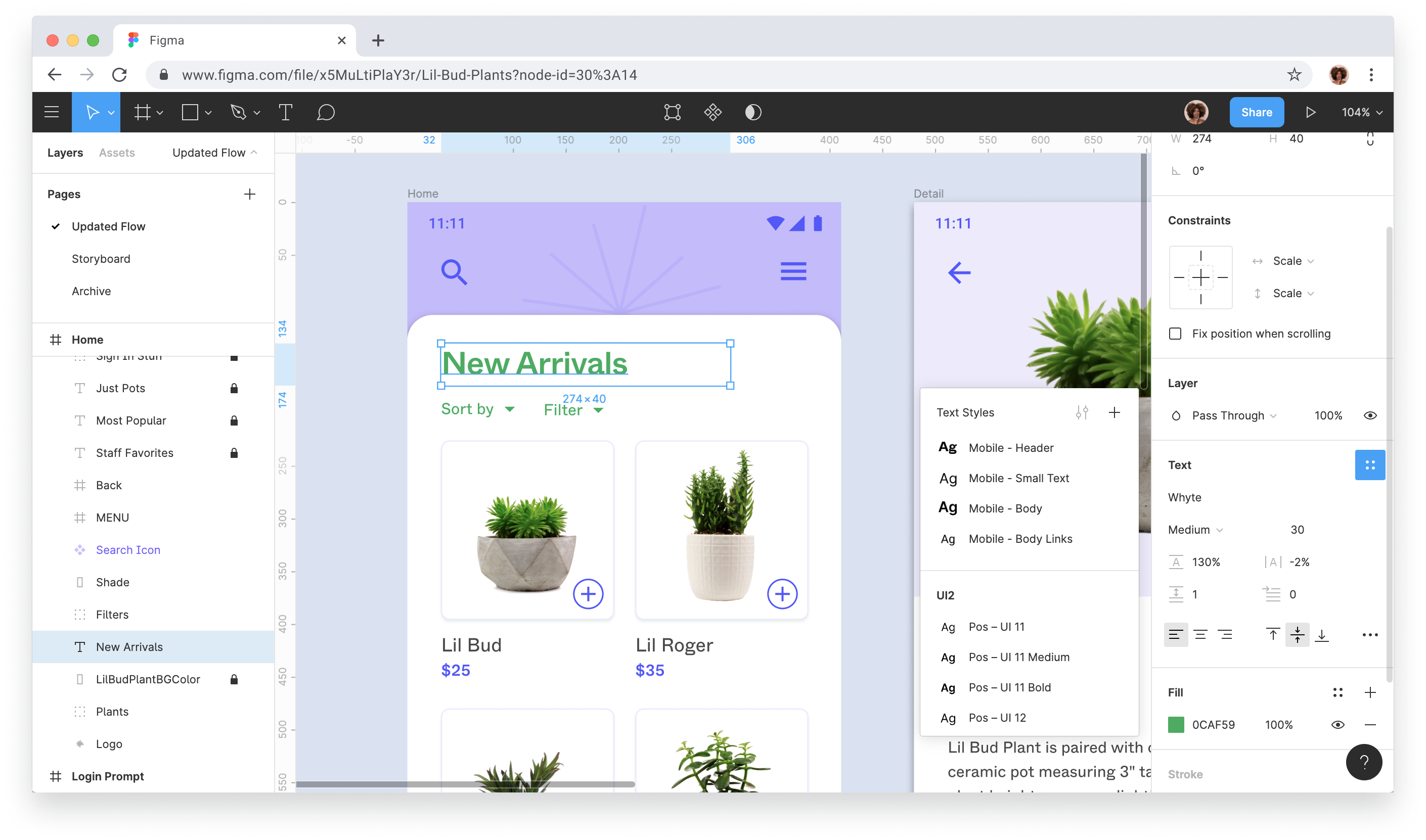
Since I’ve have chosen to position myself as a full-stacked UX/Frontend Engineer, I think it is only fair that I put aside my own personal biases and preferences and look at the options fairly.
Among the different available tools today for creating amazing wireframes and prototypes, one of those is called Figma.
Figma has been around for a little while and in the time that it existed, the company has managed to establish itself as one of the most promising UX design tools/platform on the market. I would go so far as to say that Figma could become one of the two most in-demand UX prototyping skills in 2023. I don’t want to label it as 1st or 2nd because the next tool that I’m sharing is also in competition for that place in 2023. So the final verdict is still out on that.
What makes a UX prototyping tool really good isn’t so much about the bells-and-whistles that they provide in-app, but rather their overall simplicity and vast integration capabilities. From a UX designer’s perspective, those features and functionalities hold precedence over all the other features and functionalities combined.
And Figma happens to be such a tool.
UXPin
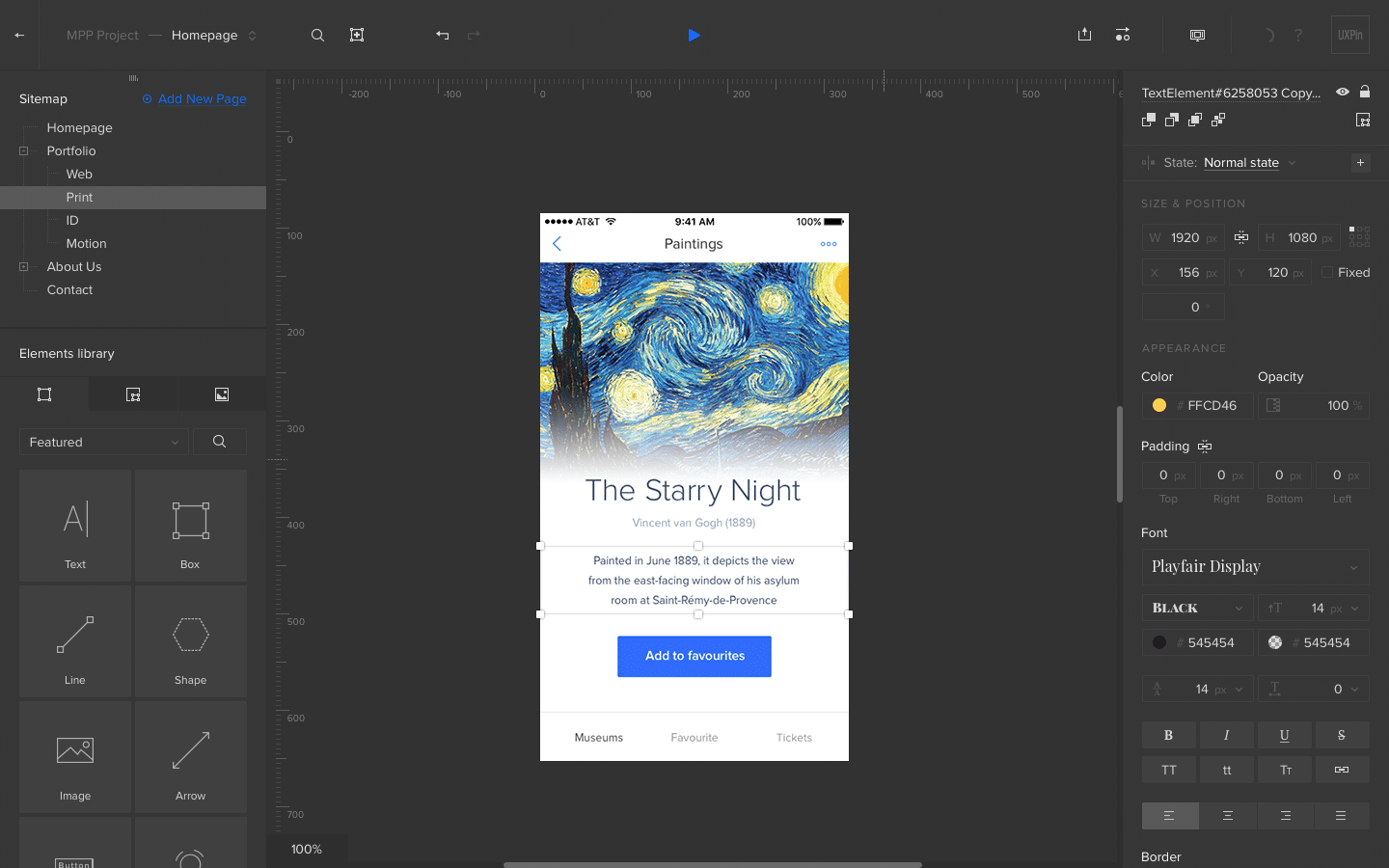
As an alternative, I present to you UXPin. Speaking absolutely without any biases, I can say that I have used so many different prototyping tools over the years. You can say that I’ve experienced them all. During the period of the last couple of years, as more tools (alternatives) came along, UXPin surprisingly wasn’t the most talked about prototyping tool on the market. And that is the truth. But in the time since, UXPin has managed to establish itself as a leader in the field (alongside Figma) because it was the first in the game that featured both simplicity of use and provided those crucial integrations to other design tools. I’ve always associated UXPin with an underdog story.
It’s the reason why I had been personally supporting and using UXPin for the longest time as a practitioner. I advocated for the company because I believed so deeply in what the team is doing, and I am hoping that they will continue to stick to this winning formula in the near future. Think of UXPin as a company that spends less time trying to over-market/oversell its product and more time focusing on building a truly useful product.
Information Architecture
Where I’m from, long before UX was even a thing, I’ve already created this understanding/concept in my mind about what Information Architecture means (both to the end user and UX professional) in a practical sense.
If like me, you have been pursuing UX since the mid-2000s, then you might also be familiar with the phrase “Content Strategy”.
It is still occasionally coined by UX professionals when they are essentially referring to Information Architecture. Personally, I think the technical community as a whole, just decided to use Information Architecture because it sounded better (or way more cool) on paper. It has this…sophisticated ring to it.
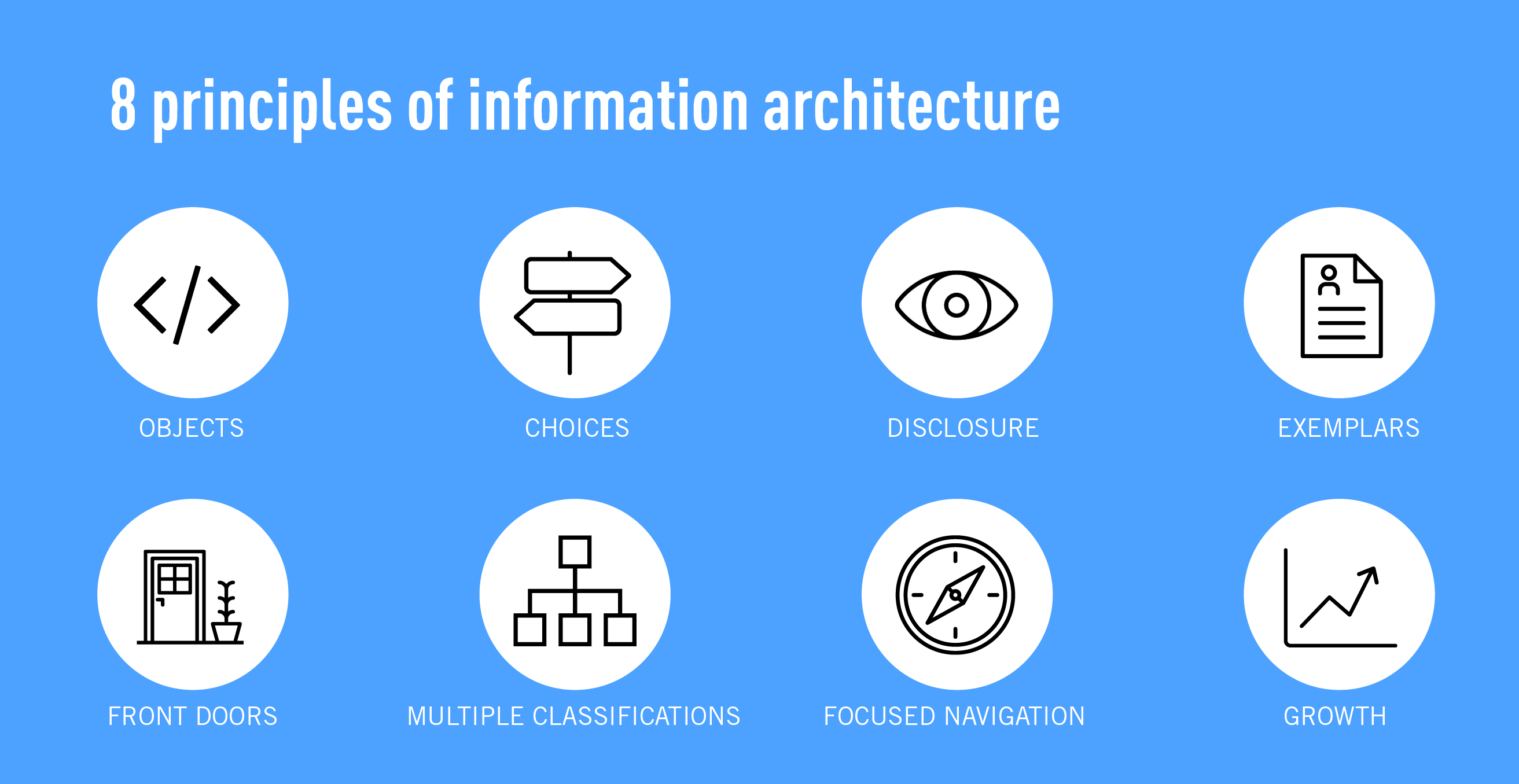
If you really want an in-depth look at what information architecture involves, I found this article by career foundry that has a really good write-up about it.
To summarize what information architecture really is, it’s all about how you want to position the information on your website/app. You could be designing a product that displays certain key information or tries to represent raw data with meaningful charts and graphs (BI dashboards, IoT and Data Science applications). Those are considered information as well. By having a good understanding of how that information will be interpreted by the intended users, it can greatly influence how the information should be presented in your product. That is essentially what information architecture is about (in a nutshell at least).
Visual Communication Concepts
The last and final set of skills that I believe all UX professionals should have in 2023 would be “Visual Communication Concepts”. While I’ve labeled this skillset as “concepts”, it’s really more about having a practical understanding of how to apply them to your designs.
Visual Communication within the context of UX design covers a few different things. They include:
- Layout
- Color (Color Schemes)
- Typography
- Icons
- Media (Images, Videos, and Animated Content)
- Design Theory
Let’s talk about some of them.
Colour Palettes (schemes)
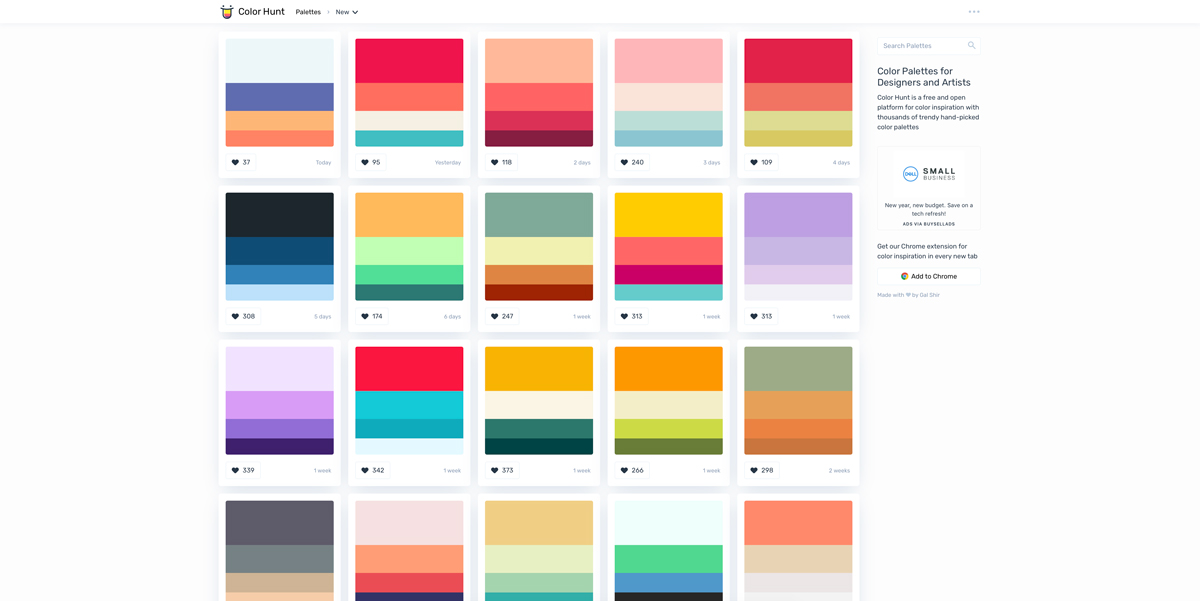
One of the most important parts of being a UI designer is about understanding colour schemes. While it’s not always the case that a UX designer needs to partake in UI design-related tasks, it’s likely that some companies might want to hire you to fill a dual-role. So it is my professional opinion that you should be better prepared and ready for it.
While I have never had that “design-gene” in my DNA (I’m not afraid to admit that I am terrible at graphics design in general), I’ve always had this fascination with art, colours, and so on. When it comes to UX design, it is so important to understand that different colours can trigger different psychological reaction from an individual.
Think, for example, the colour “Red” is often associated with “Danger”, or “Errors”. Colours like “Orange” or “Yellow” would usually denote “Caution”, and “Warnings”. As a UX/UI designer, it is crucial to be able to understand how and when to use the different colours (on top of the chosen colour palette/schemes).
If you like to find some of the best colour palette generators, the career foundry site has that covered for you.
Typography
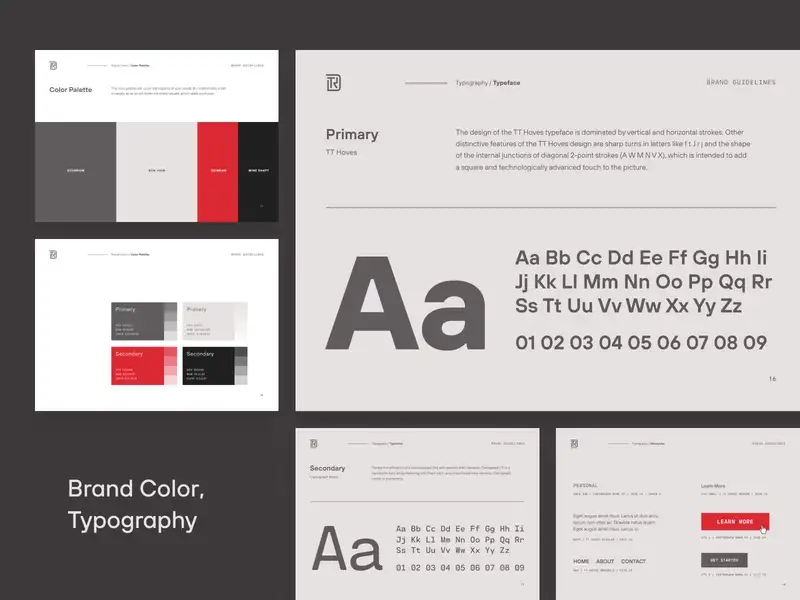
The next area that I want to touch on in particular, is typography. Sadly, but also true observation, there has not been enough discussion and emphasis on the importance of typography when it comes to UX/UI design.
From the Human Behavior/Psychology department, it is important to know that different font types usually help to create a different kind of mood and impression on the end-users looking at that.
In a more practical sense, using the right typography for your designs also translates to providing the right emphasis to the right words and phrases, and it also promotes better readability.
Speaking on a personal level, I suppose it is a blessing that God has made me a typophile (a word to describe people that share an obsession with typography).
Design Theory (Design Principles)
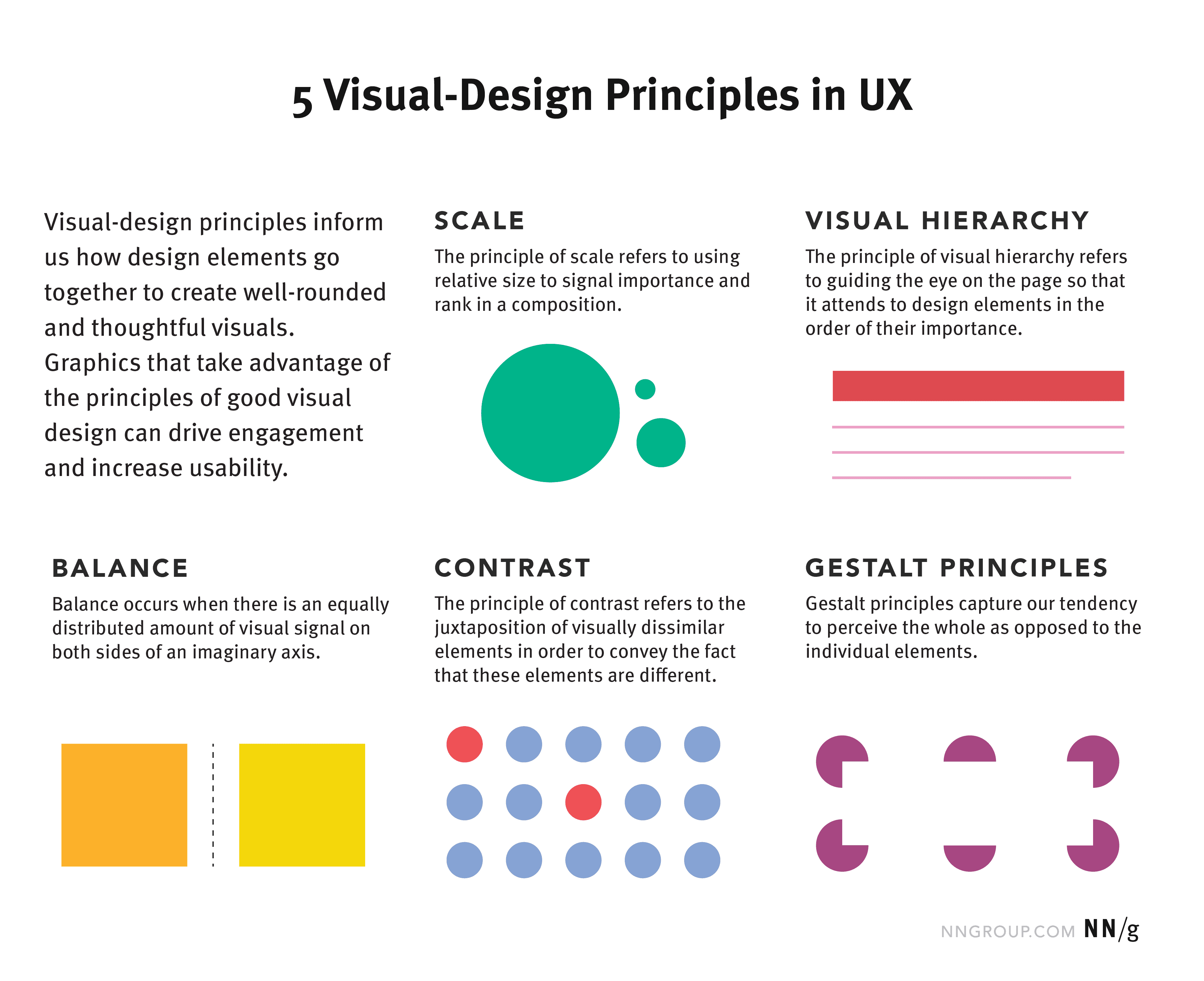
For the final sub-category, I will briefly touch on the theory of visual design. Personally, I have never been a fan of theoretical stuff. So let’s translate that into something a little more practical and useful. As a UX designer/engineer, it is important that you are familiar with the different design principles when you are working on your prototypes.
If you are just starting out in your career, these principles might take a little while to make sense to you. It is important to understand that theoretical concepts and principles are just guidelines. As you begin to be more exposed to different projects and ideas, it is also important to be agile and know how to apply those principles in the right places.
Being an amazing UX designer/engineer doesn’t necessarily mean that you’ll need to be able to apply 100% of those principles, 100% of the time. Great UX professionals don’t just know the how, but also when to apply those principles to their final designs.
Because UX design itself revolves so strongly around human behavior (and it’s constantly changing/shifting), there’s really no fixed way to show you the “when” when it comes to applying those principles. As a UX designer/engineer, it would be your responsibility to consider those principles when you are working on your designs and to constantly check-in (remember from earlier in this article when I covered User Research) with your end-users and stakeholders to find out if it has been applied in the right places and to the correct degree.
If you would like to read more about these design principles, here’s a really good article on it.
Final Thoughts
So, that’s it from me guys. In this article, I’ve tried to touch on the FIVE most crucial skills that a UX designer should have in 2023 if your goal is to excel and be on a fast track to rising above the rest. Again, I want to remind you that this isn’t the most complete list and certainly not the most in-depth discussion. But I think, overall, it should’ve been enough to help point you in the right direction if you’re planning on stepping into the field of UX, or if you’re a hirer/company thinking about the necessary skills a UX/UI designer should have.
Do you have thoughts about what skills would be crucial as a UX professional in 2023? Share them in the comments section and I would love to discuss them further with you.
Leave a Reply